
If someone on your team exports a mileage report every month and retypes it into invoices, you're paying twice — once for the labor, and again for the errors it introduces. Telematics already captures the data your billing needs; the problem is getting it from one system to the other without a human in the middle. Here's how automated integration works.
Why Manual Telematics-to-Billing Entry Fails
Re-keying telematics data into a billing process breaks down for predictable reasons: it's slow (hours per cycle), error-prone (a mistyped odometer reading bills the wrong amount), always late (you bill on last month's data), and impossible to audit (no trail from the invoice back to the source reading). At any scale beyond a handful of vehicles, it stops being viable.
What Telematics Data Feeds Billing?
- Mileage / distance: for per-mile charging, mileage-based leasing, or client rebilling.
- Location and geofencing: to bill by site visited, zone entered, or job completed.
- Engine hours and usage: for equipment or asset-usage billing.
- Fuel data: to allocate fuel cost to jobs, clients, or cost centers.
- Timestamps: to bill by time on site or hours worked.
How to Automate Telematics-to-Billing Integration
- Connect telematics via API, not export. Instead of downloading reports, a platform pulls the data directly from your telematics account as it's generated — no file handling.
- Map the data to billing rules. Define how raw signals become charges: miles × rate, hours × rate, cost allocated per geofence or job. Once set, it runs automatically.
- Reconcile against other sources. Cross-check mileage against fuel and maintenance so the numbers you bill on are verified, not just captured.
- Generate billing-ready output. Clean, per-vehicle or per-client figures flow to your finance system or export in the format it needs — no retyping.
- Keep an audit trail. Every billed figure traces back to its source reading, so disputes are settled with data, not guesswork.
The Reconciliation Advantage
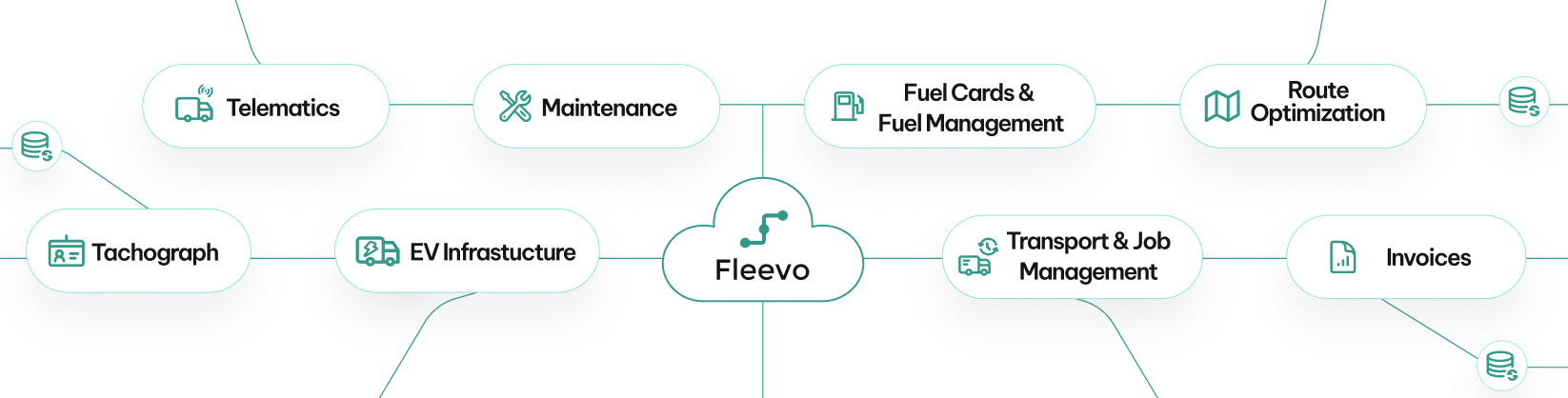
Automating the data flow is the obvious win, but the bigger one is trust in the numbers. When telematics, fuel, and maintenance data are integrated in one platform, the mileage you bill on is the same verified mileage you audit fuel and schedule maintenance against — one source of truth, not three systems that quietly disagree.
#1 AI-powered fleet spend control platform
Ready to Stop Losing Money on Fleet Spend?
See how much you could save in the first week. Start your free trial today. Cancel anytime.
How Fleevo Automates Telematics Data Flow
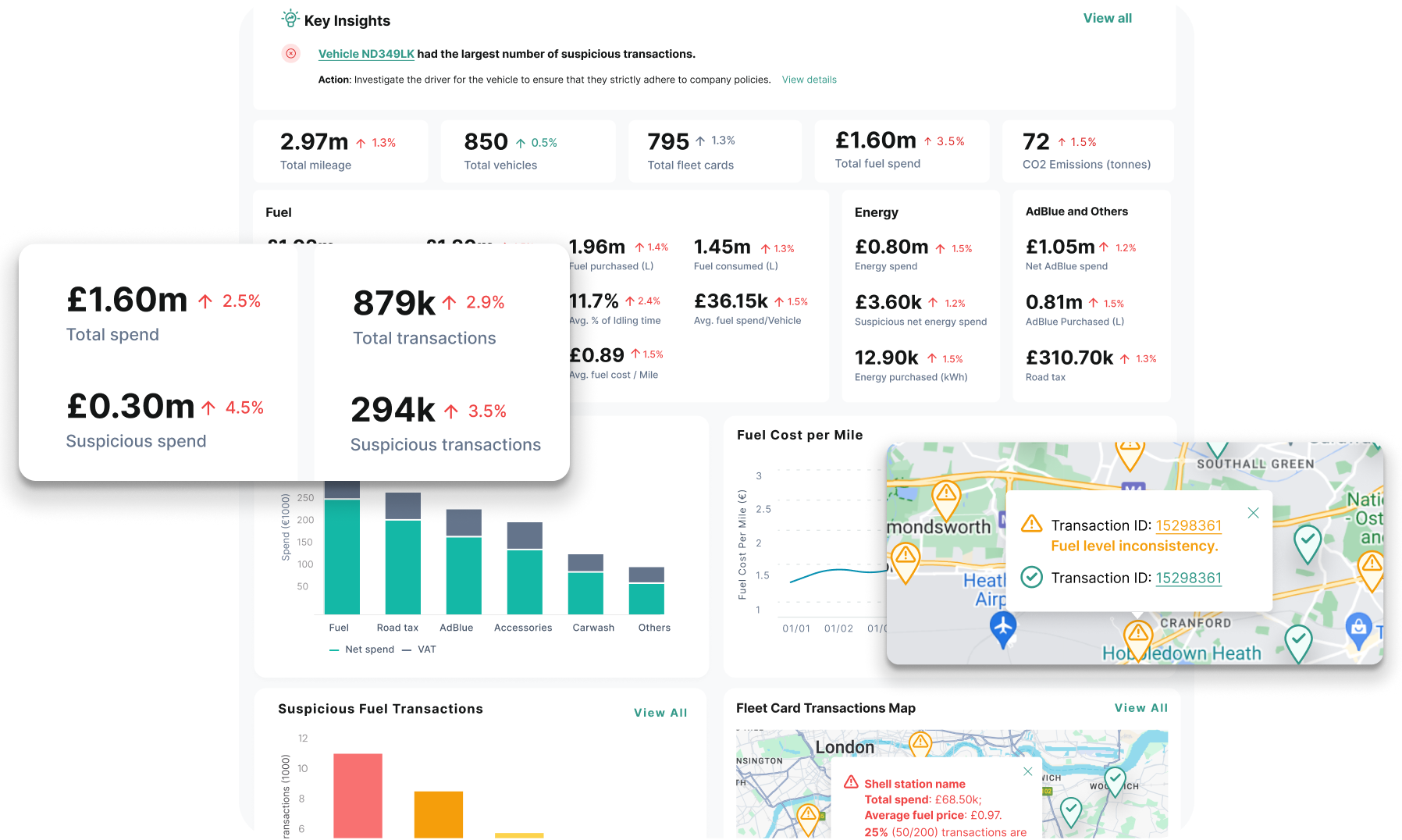
Fleevo connects directly to Geotab, Samsara, Verizon Connect, and other telematics systems via secure API — pulling mileage, location, engine hours, and fuel data automatically, with no exports or manual entry. It reconciles that data against fuel and maintenance records and produces clean, auditable, billing-ready figures. Custom logic can be described in plain English, and every number traces back to its source. See how Forest Freight gained efficiency with Fleevo.
FAQs
Can telematics data be sent to billing automatically?
Yes — via API integration, telematics data (mileage, hours, location, fuel) flows into a platform that maps it to billing rules and outputs billing-ready figures, with no manual export or entry.
Do I need to replace my telematics or billing system?
No. Integration sits between the systems you already use, pulling from your telematics account and feeding your finance process — no rip-and-replace.
How do I make sure the billed data is accurate?
Cross-reference telematics against fuel and maintenance data so figures are verified before they're billed, and keep an audit trail from each invoice back to the source reading.
Bottom line: manual telematics-to-billing entry is slow, error-prone, and unauditable. Connect telematics by API, map the data to your billing rules once, and the whole flow runs automatically — with verified numbers and a full audit trail.
Explore the platform: All Integrations · Workflow Automation