
Every fuel card provider gives you reports. Keyfuels, Radius, Allstar, Shell, BP and the rest all show spend by card, by site and by date. Those reports are useful for the accounts team. They are not the same as fuel analytics, and the difference is where the money leaks.
What a fuel card report shows
- Spend per card and per driver.
- Litres and price per transaction.
- Site and date.
- Simple flags, such as a fill outside allowed hours.
All of it comes from one source: the card. The report describes the transaction. It cannot confirm the transaction was genuine.
What card data alone cannot catch
- Litres that never reached the tank. A card shows 120 litres bought. It cannot know the tank holds 90, or that the telematics fuel level barely moved. The rest went into a can or another vehicle.
- A vehicle that was not there. A fill looks normal until you know the assigned vehicle was 20 miles away at the time.
- A price that crept up. One transaction looks fine. Only against your own price history does a site charging above your normal pence per litre stand out.
- Spend off the card. Onsite tank draws, EV charging and AdBlue never appear in a card report at all.
The tank-fill shortfall is one of the most common findings when fleets first connect their data, and fleets have caught drivers siphoning the missing litres into a can.
What fuel analytics adds
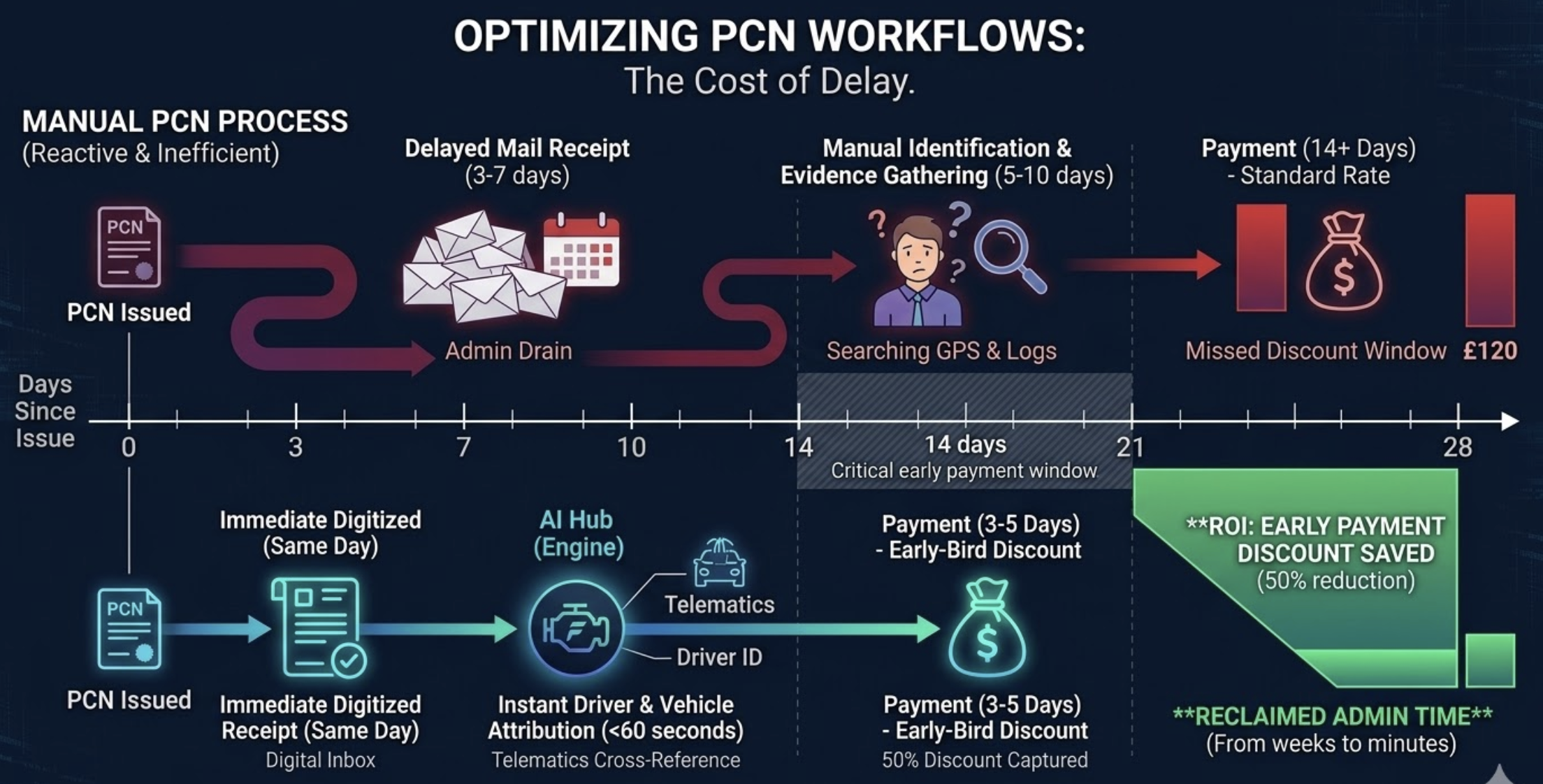
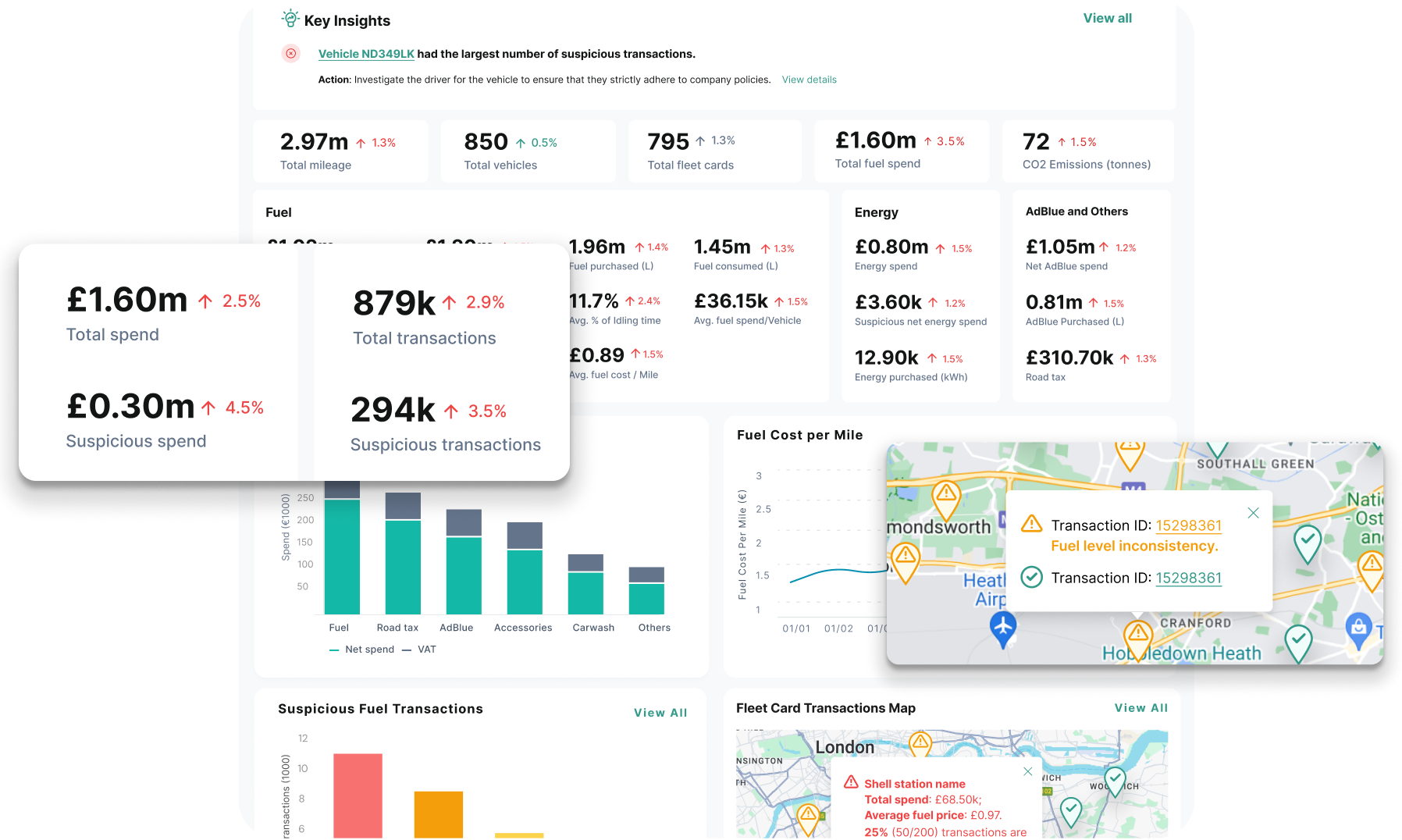
Analytics starts where the report stops. It cross-checks every card transaction against telematics: location, odometer, fuel-level rise and fuel type. It puts the unit price on every fill and flags drift above your normal. It pulls tank and EV spend into the same view. The output is not a longer report. It is a short list of transactions that do not reconcile, with the detail behind each one. See how fuel card fraud is detected.
#1 AI-powered fleet spend control platform
Ready to Stop Losing Money on Fleet Spend?
See how much you could save in the first week. Start your free trial today. Cancel anytime.
How Fleevo turns card data into analytics
Fleevo connects your fuel cards (40+, no card switch) alongside telematics, onsite tanks and EV charging. It matches each transaction to the vehicle that made it and checks location, tank capacity, fuel-level rise, fuel type and unit price, plus any rule you write in plain English, such as 'flag a second fill within an hour.' You review the exceptions, not the whole statement. Fleevo offers a free 3-month fuel audit with the number back within 48 hours, by API connect or shared CSV export.
Fuel card reports vs analytics FAQs
Are fuel card reports enough to catch fraud?
Not on their own. Card data describes the purchase but cannot confirm the vehicle was there or that the litres reached the tank. That needs telematics cross-checking.
Do I need to leave Keyfuels or Radius to get analytics?
No. Fleevo reads the cards you already use, including Keyfuels, Radius, Allstar, Shell and BP, so you keep your cards and add the analysis on top.
What telematics data is required?
Location and odometer at minimum. Fuel-level readings, where your devices provide them, also allow tank-fill shortfall checks.
Related: Fuel card integration and Fuel & Energy Management.